Description
COSMOS Mini USB Galaxy Projector
Your room,
after dark.
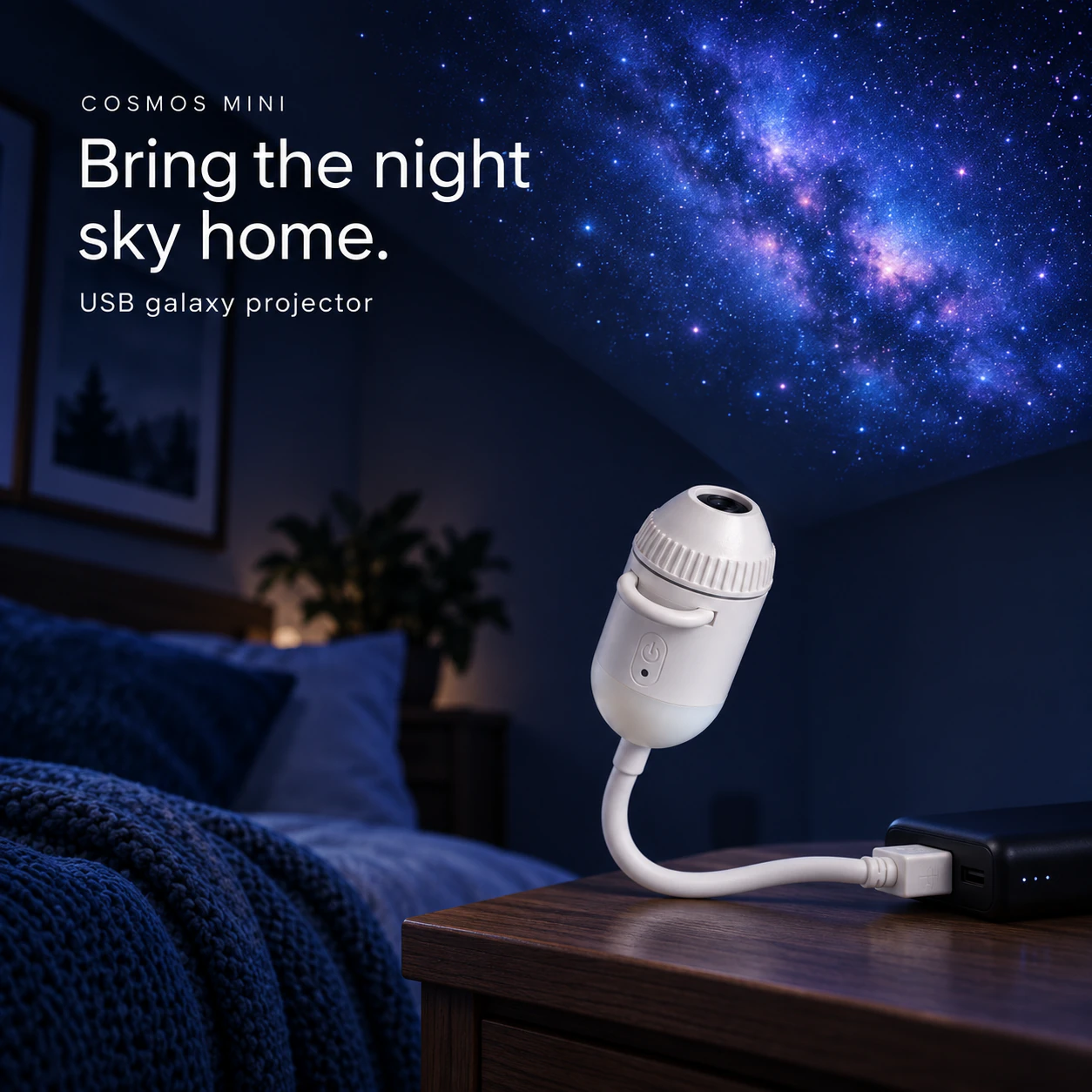
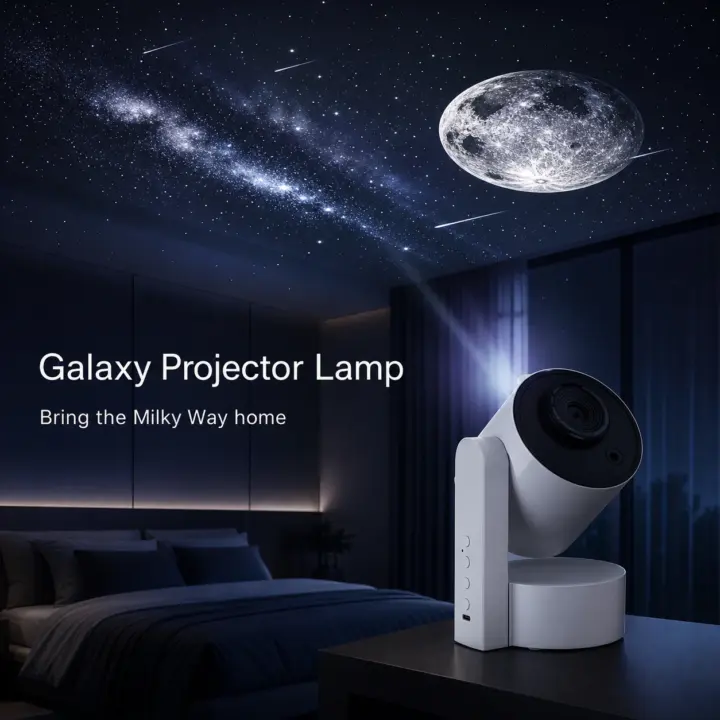
A plug-in lamp for indoor use, with a flexible gooseneck and interchangeable projection slides. Use its nearby glow or aim a projected scene at a wall or ceiling.
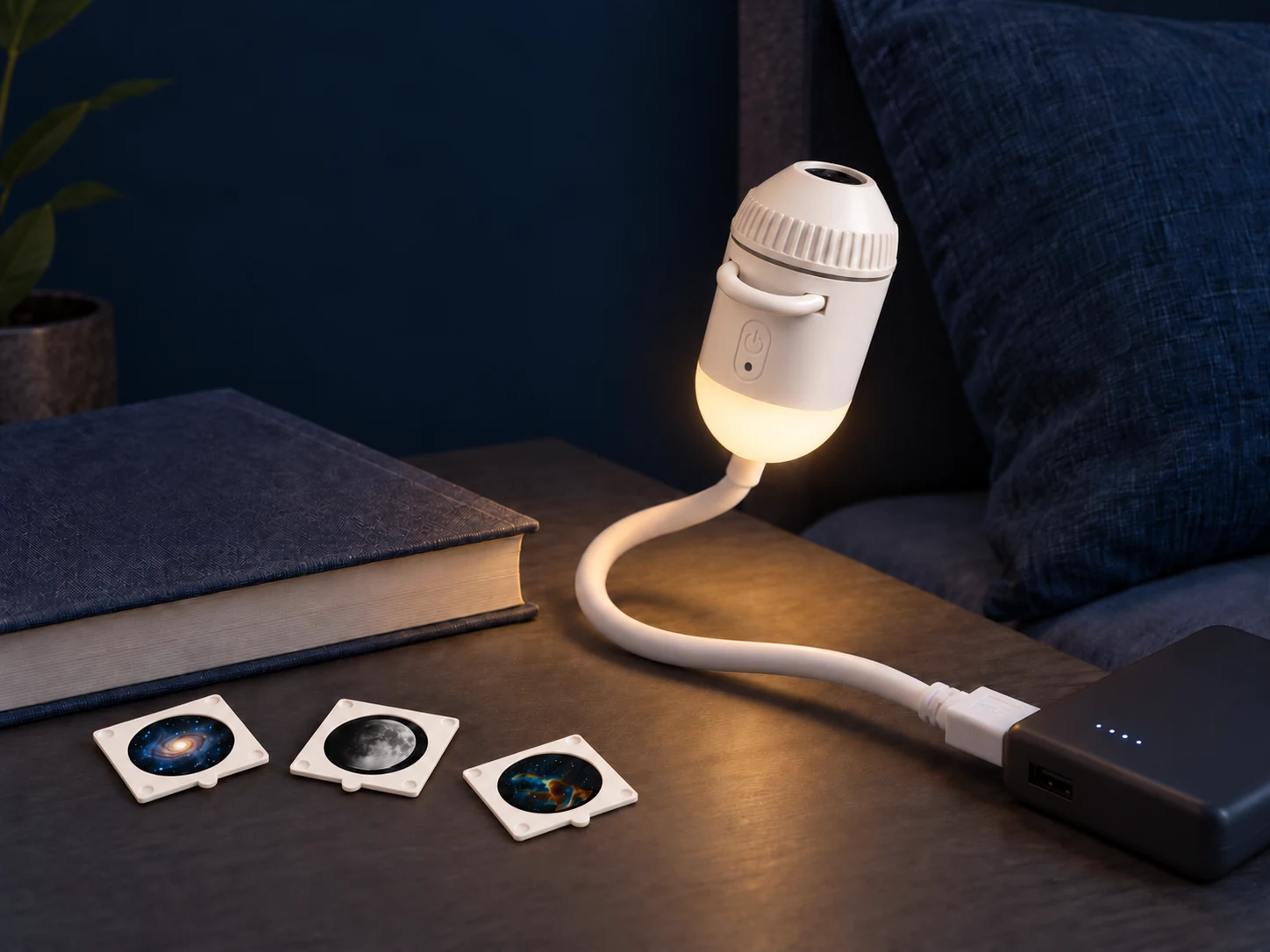
Two light modes
Stars on the wall.
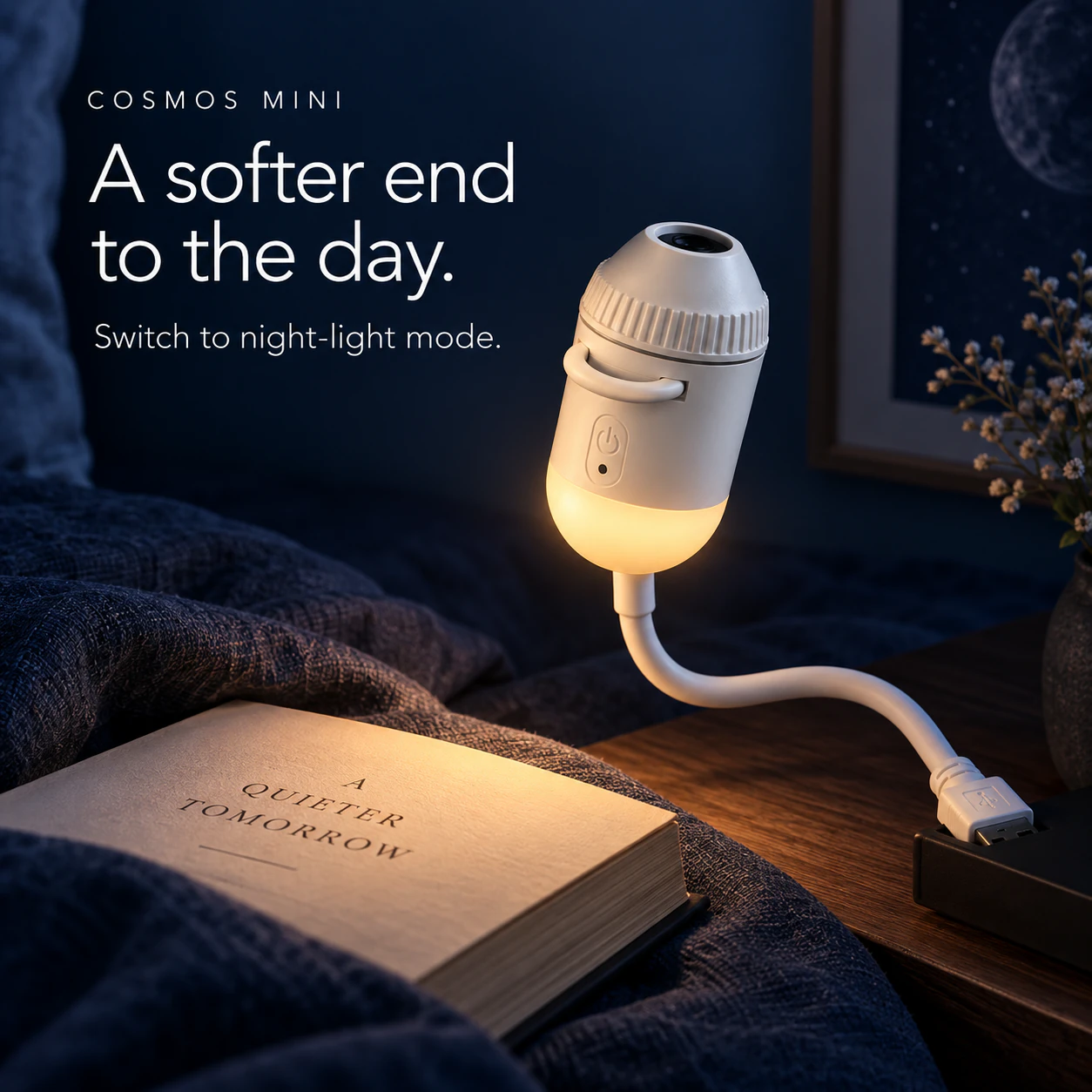
A glow by your side.
Night-light mode
A small, soft light for your bedside or desk. Press and hold the button to adjust its brightness.
Projection mode
Place a slide in the pull-out holder, aim the flexible neck towards a wall or ceiling, then turn the focus knob to sharpen the scene.
For indoor use. Projection appearance depends on the surface, distance and room lighting.
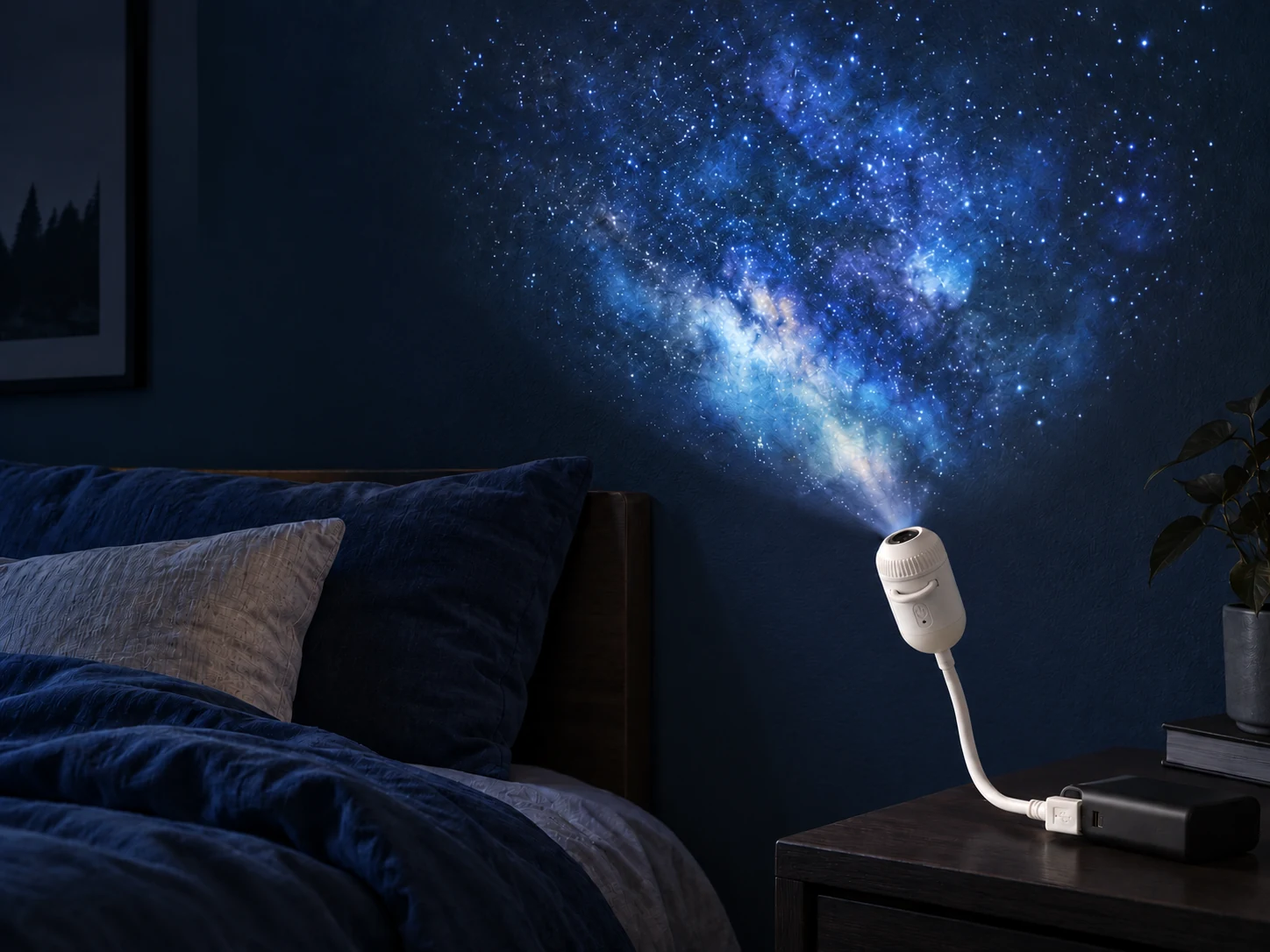
Projection mode
Lights down.
Look up.
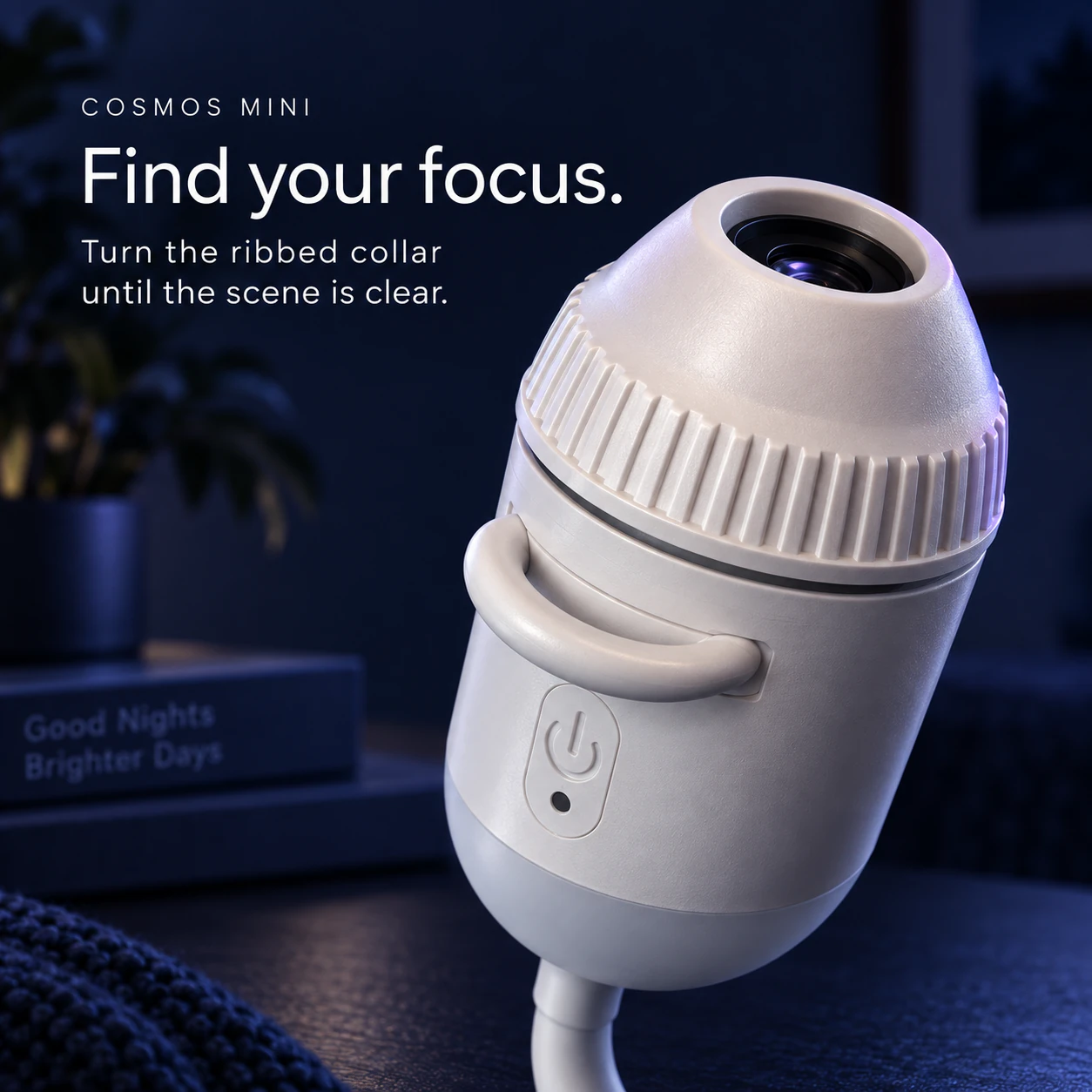
Aim at a wall or ceiling, then turn the focus collar until the image is clear. Best enjoyed in a dark room.
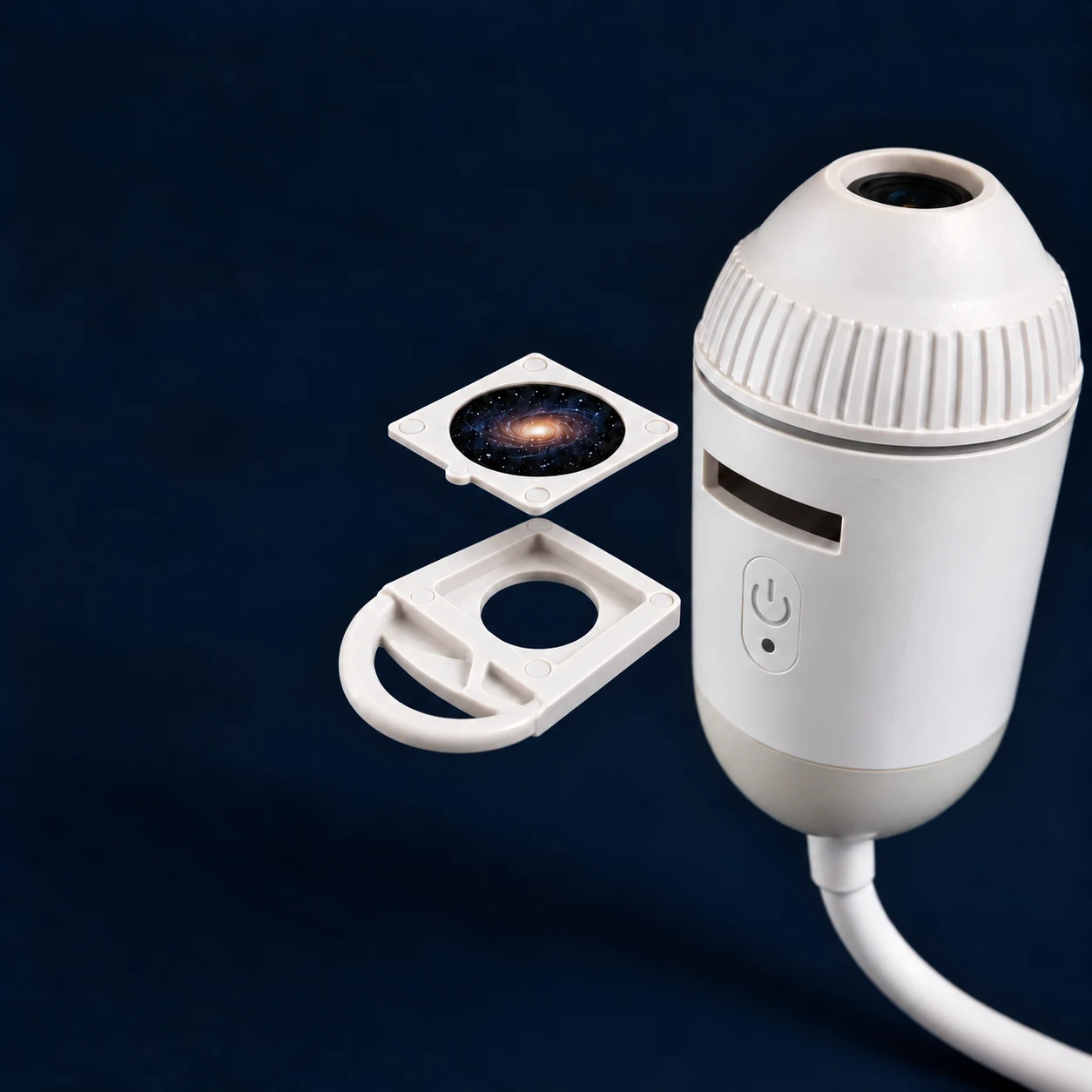
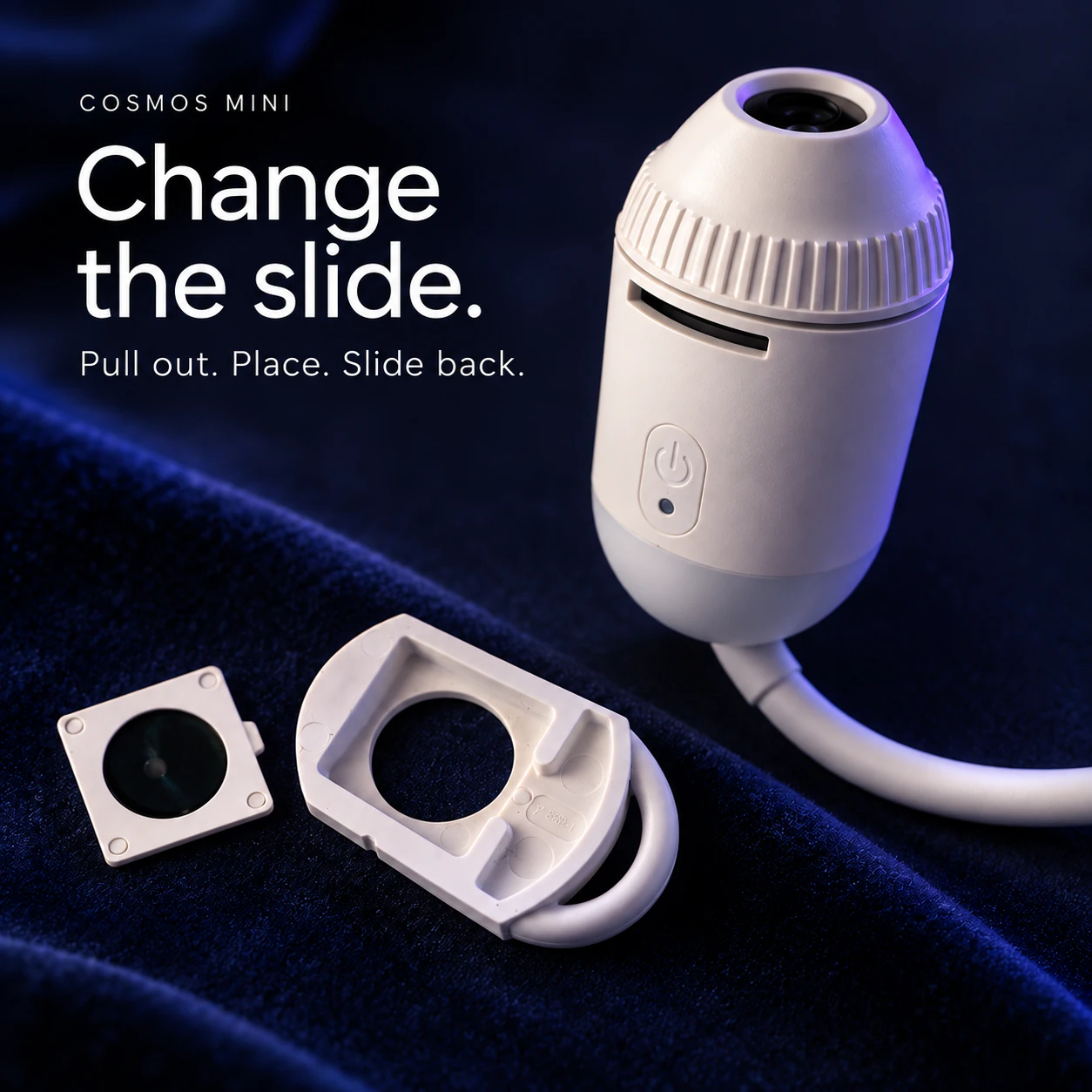
Change the slide
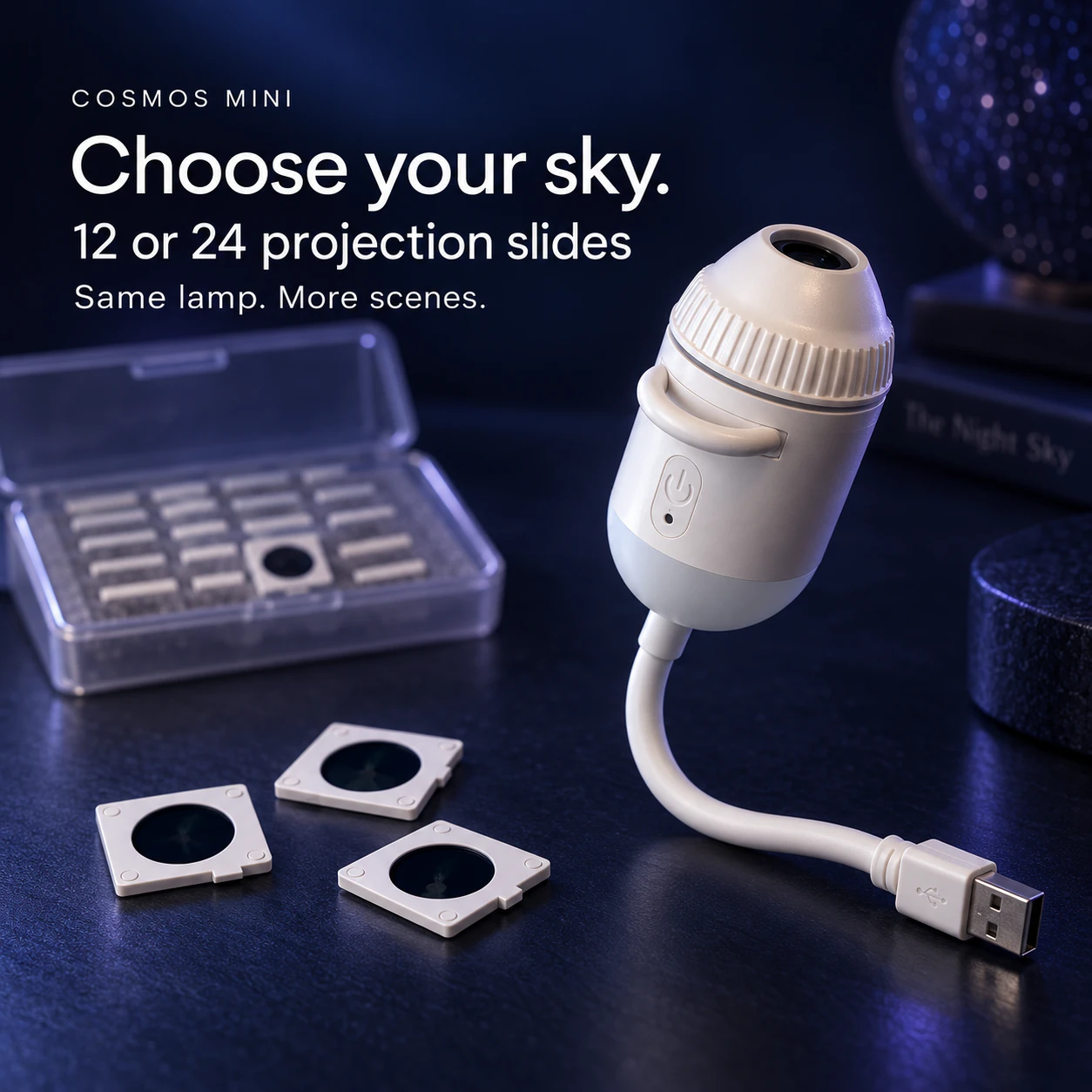
Pick a different sky.
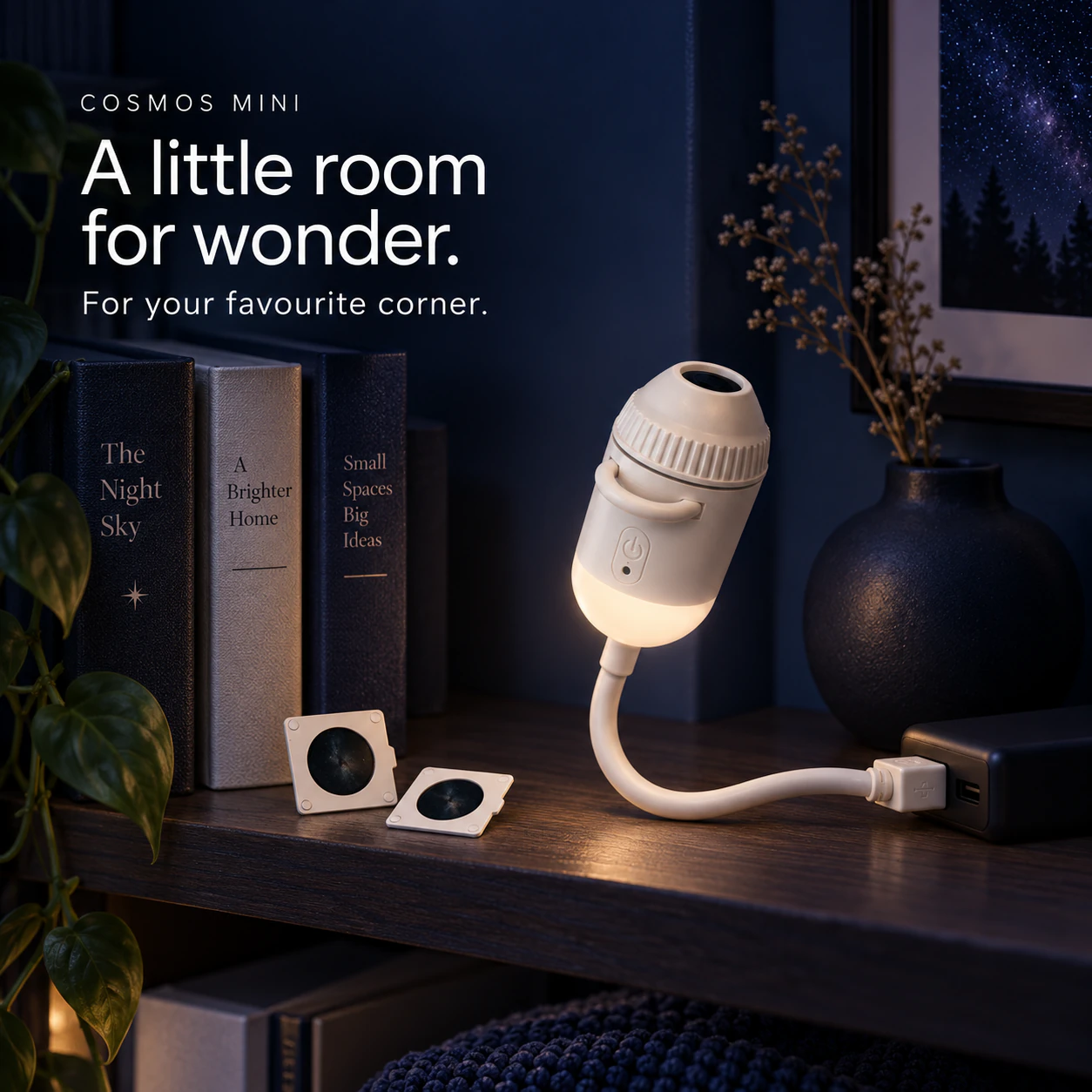
Each square-framed slide fits neatly into the pull-out tray.
- 01
Load the slide holder
Pull out the short tray by its curved handle. Place one square-framed slide in the recessed pocket, then slide the whole tray back into the front slot.
- 02
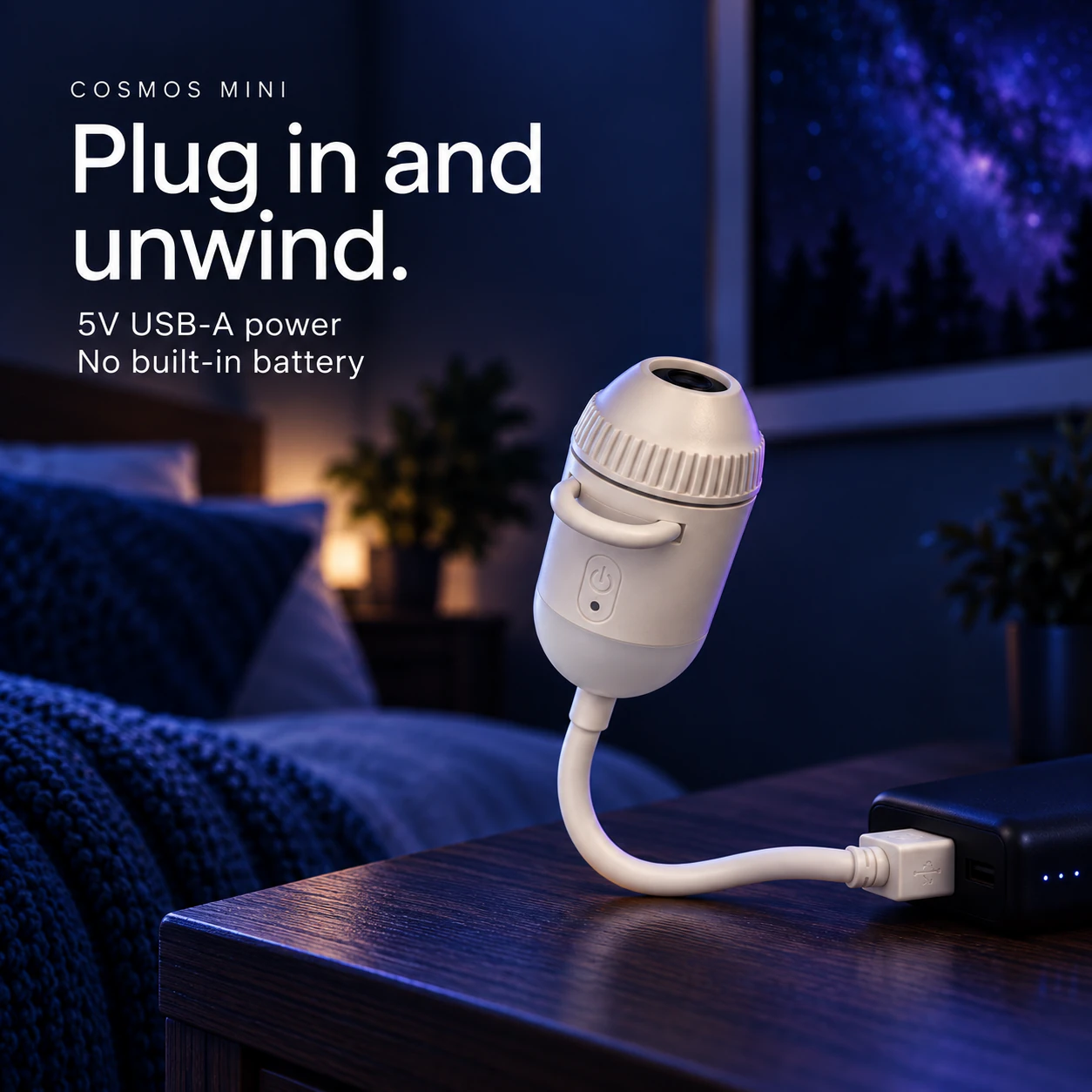
Connect USB power
Plug the USB-A connector into a suitable 5V USB source. Press the button to choose projection mode.
- 03
Aim and focus
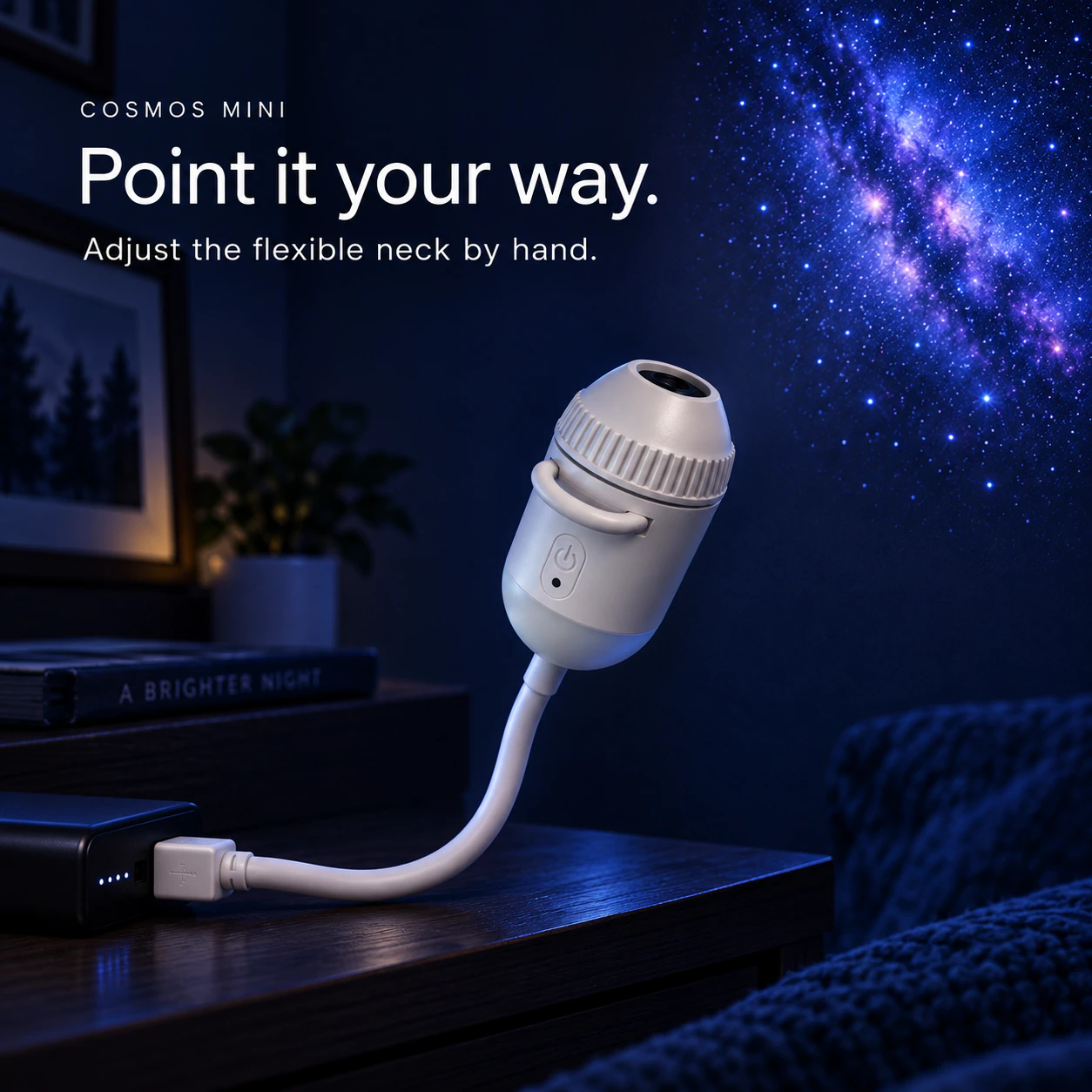
Position the flexible neck by hand. Turn the ribbed focus knob until the projected image looks sharp.
Plug in. Point. Focus.
Settle into the evening.
Bend the neck towards your wall or ceiling. Turn the collar to focus. Keep the lamp connected to USB power while you use it.
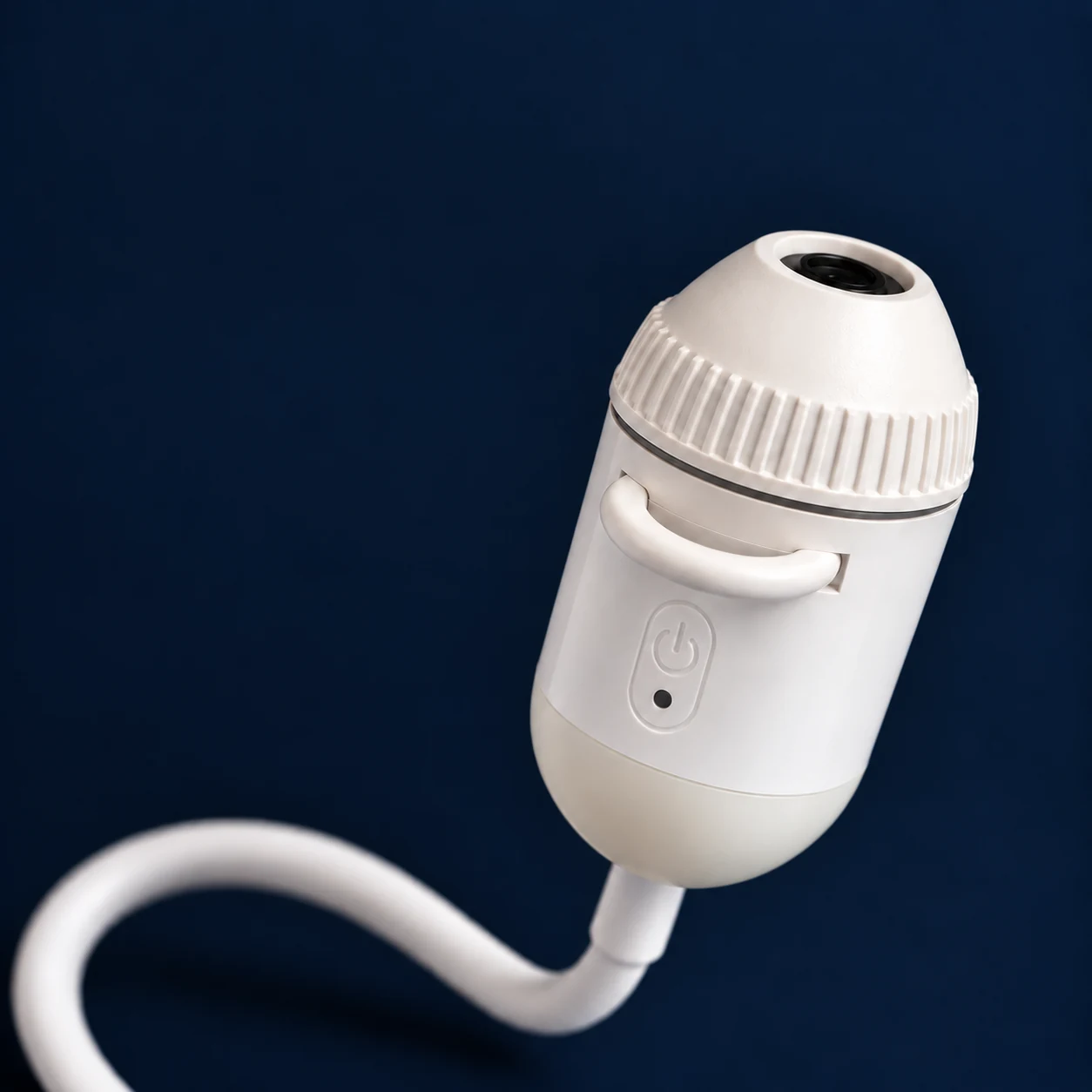
Bring the image into focus.
Turn the ribbed collar slowly until the scene looks sharp on your chosen surface.
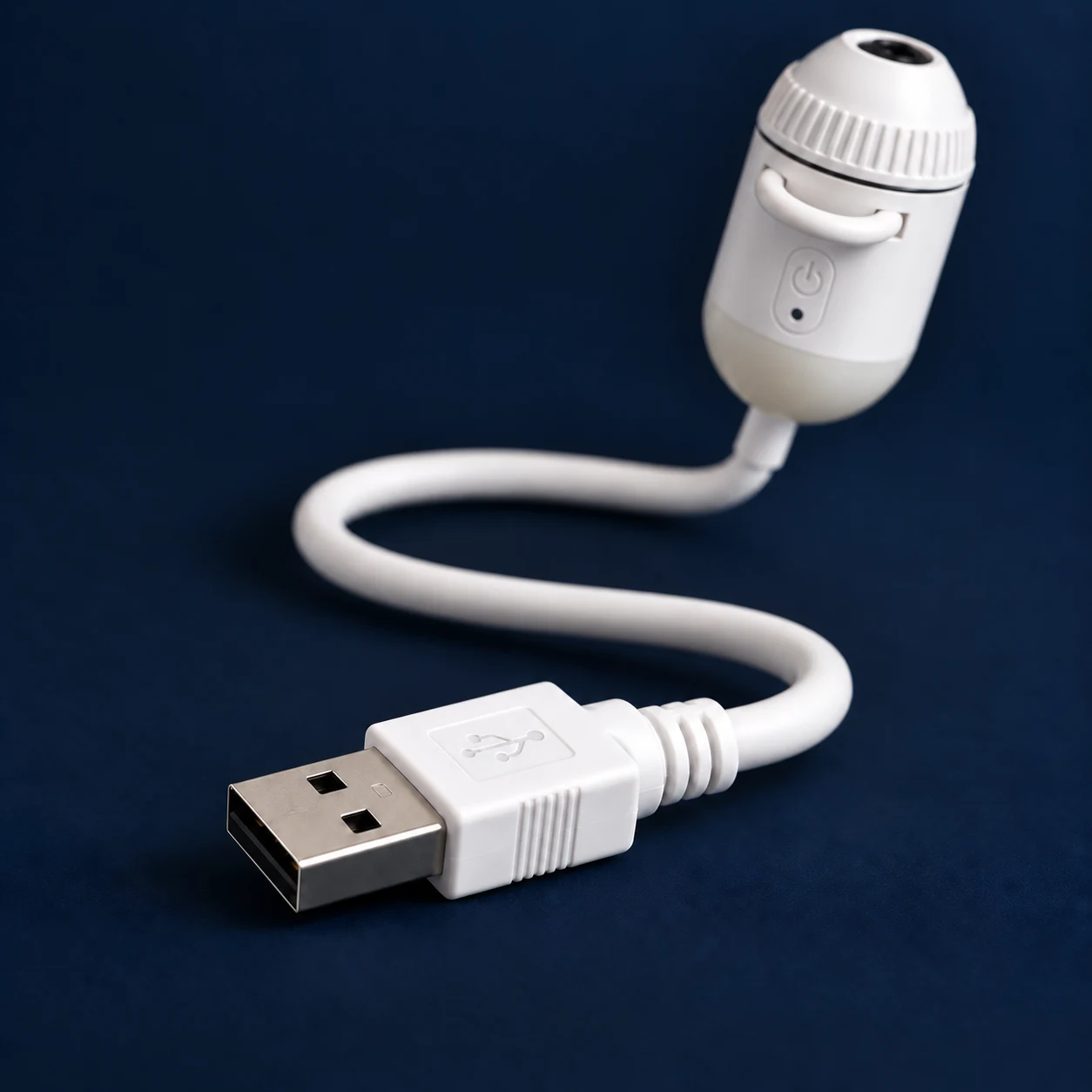
Plug in and keep it connected.
Use a suitable 5V USB power source. The lamp stays connected while it is on; a USB adapter is not included.
What to know before ordering.
- Power
- 5V USB-A; power connection required during use
- Battery
- No built-in battery
- Light modes
- Night-light and projection
- Brightness
- Press and hold the button to adjust
- Positioning
- Flexible gooseneck, adjusted by hand
- Focus
- Manual focus with the ribbed knob
- Slide holder
- Pull-out tray for one square-framed slide
- Set options
- Lamp with 12 or 24 projection slides
- Use
- Indoors
- Power accessories
- USB adapter and power bank not included
Slide designs may vary. Styling images do not guarantee a particular projected image, brightness or projection size.
Good to know
Your questions,
answered.
Does it need to stay plugged in?
Yes. The lamp uses 5V USB power and has no built-in battery. Keep it connected to a suitable power source while using it.
What is the difference between the two sets?
Both sets include the same compact USB lamp. Choose 12 projection slides or 24 projection slides. Slide designs may vary; the set size refers to the number of slides, not a guaranteed list of images.
What can the two modes do?
Use the night-light mode for a glow close to the lamp, or the projection mode with an interchangeable slide to display a scene on a wall or ceiling.
How do I load a slide and focus the image?
Pull out the slide holder, place one square-framed slide on the tray, align it and push the tray back into the lamp. Aim the flexible neck at the wall or ceiling, then turn the ribbed focus knob to sharpen the image.
How do I change the light mode?
Press the button to cycle through night-light mode, projection mode and off. Press and hold the button to adjust brightness. Adjust the direction by hand using the flexible gooseneck.
What power connection do I need?
The lamp has a USB-A connection and needs a suitable 5V USB power source. A USB power adapter and power bank are not included.
Is this the same projector as the SK3 Pro?
No. This is the COSMOS Mini USB Galaxy Projector. The SK3 Pro is a separate product with its own 13-slide and 19-slide sets.
Reviews
There are no reviews yet.